Download Spotify Music on Smart TV
Introduction
Smart TVs have quietly transformed into full-blown entertainment hubs. You’re not just watching Netflix anymore—you’re streaming YouTube, browsing apps, and yes, blasting Spotify through your living room speakers.
But here’s the question many people ask:
Can you download Spotify music directly on a Smart TV for offline listening?
Maybe your internet cuts out sometimes. Maybe you don’t want buffering during a party. Or maybe you just like having everything saved locally.
It sounds simple. After all, you can download Spotify songs on your phone. So why not your TV?
Here’s the truth: downloading Spotify music directly onto a Smart TV isn’t as straightforward as it is on mobile devices. In fact, in most cases, it’s not officially supported at all.
But don’t worry. There are ways to enjoy Spotify on your TV—even offline, indirectly.
Let’s break it down clearly and realistically.
How Spotify Works on Smart TVs
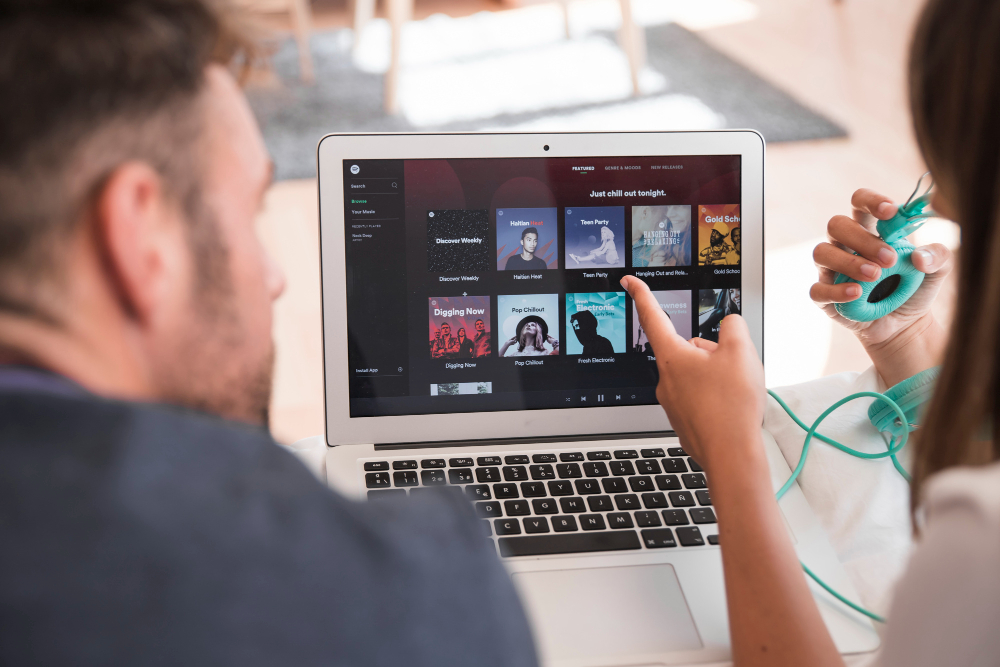
Before talking about downloads, it’s important to understand how Spotify operates on TVs.
Spotify TV App Overview
The Spotify app on Smart TVs is designed primarily for streaming. It provides:
- Access to your playlists
- Album browsing
- Podcast streaming
- Large-screen interface
- Spotify Connect compatibility
But you’ll quickly notice something missing.
There’s no download button.
That’s not a glitch. It’s intentional.
Supported Smart TV Brands
Spotify is available on many major Smart TV platforms, including:
- Samsung Smart TV
- LG Smart TV (webOS)
- Android TV / Google TV
- Sony Smart TVs
- Philips Android TVs
However, availability can vary depending on region and TV model year.
If your TV has an app store, you can usually search for Spotify and install it within minutes.
Spotify Connect Explained
Spotify Connect is the secret sauce behind TV playback.
Instead of your TV streaming music directly from your account independently, Spotify Connect allows:
- Your phone or laptop to act as a remote
- Your TV to act as a playback device
- Seamless switching between devices
It’s smooth. It’s convenient. But it still requires internet.
Spotify Connect doesn’t equal offline playback.
Can You Download Spotify Music on a Smart TV?
Let’s answer directly.
No, you cannot officially download Spotify music on a Smart TV for offline listening.
Official Spotify Offline Policy
Spotify allows offline downloads on:
- Smartphones
- Tablets
- Desktop apps
It does NOT allow offline downloads on:
- Smart TVs
- Streaming sticks
- Game consoles
Why?
Because TVs are designed primarily as streaming devices with limited internal storage and different licensing agreements.
Why the Download Button Is Missing on TVs
There are three main reasons:
- Limited TV storage space
- DRM licensing restrictions
- Smart TVs are optimized for streaming
Adding offline storage would require encrypted file systems, account verification systems, and periodic subscription checks—something TVs aren’t designed to handle efficiently.
So Spotify simply doesn’t include the feature.
Technical Limitations of Smart TVs

Most Smart TVs:
- Have limited internal storage (often under 8GB)
- Use custom operating systems
- Restrict app-level file access
Even if Spotify wanted to enable downloads, many TVs wouldn’t support it properly.
Method 1: Using Spotify App on Smart TV (Streaming Only)
While offline downloads aren’t possible, streaming is easy.
Installing Spotify on Samsung Smart TV
- Open Samsung Smart Hub
- Go to Apps
- Search “Spotify”
- Click Install
- Open and log in
You can log in using:
- Email and password
- Spotify Connect pairing code
Installing Spotify on LG Smart TV
- Open LG Content Store
- Search Spotify
- Download and install
- Log in
The interface is clean and optimized for remote navigation.
Installing Spotify on Android TV / Google TV
- Open Google Play Store
- Search Spotify
- Install
- Sign in
Android TV offers smooth Spotify integration.
But again—streaming only.
Method 2: Using External Devices for Offline Playback
Here’s where things get creative.
Using a Streaming Device (Fire Stick, Roku, Apple TV)
These devices also don’t support Spotify offline downloads.
However, they offer better performance and smoother streaming compared to some built-in TV apps.
Still requires internet.
Using a Game Console (PS5, Xbox)
Spotify works on:
- PlayStation
- Xbox
But just like TVs, downloads are not supported.
Streaming only.
Using Chromecast or AirPlay
This method allows you to:
- Download Spotify songs on your phone (Premium required)
- Play them offline on your phone
- Cast audio to your TV
Important detail:
The phone must still maintain a connection to the TV over Wi-Fi. If your entire internet goes down, casting may stop working depending on your setup.
Method 3: Playing Downloaded Spotify Music via USB

Now we’re getting into workaround territory.
Why Official Downloads Won’t Work on USB
Spotify downloads are encrypted. You cannot:
- Copy them to USB
- Plug into TV
- Play directly
They won’t open.
Using Converted MP3 Files
Some users convert Spotify songs to MP3 using third-party tools, then:
- Save MP3 files to USB
- Plug USB into TV
- Play using built-in media player
This works technically—but may violate Spotify’s terms of service.
Steps to Play MP3 Files on Smart TV via USB
- Insert USB into TV
- Open Media Player app
- Navigate to Music folder
- Select MP3 file
Most Smart TVs support:
- MP3
- WAV
- AAC
Check your TV’s manual for supported formats.
Method 4: Screen Mirroring from Phone or Tablet
This is often the easiest practical solution.
Mirroring from Android Device
- Enable Screen Cast
- Select Smart TV
- Play Spotify on phone
Your TV mirrors audio and screen.
Mirroring from iPhone or iPad
- Open Control Center
- Tap Screen Mirroring
- Select Apple TV or compatible Smart TV
- Play Spotify
Simple and reliable.
Pros and Cons of Screen Mirroring
Pros:
- Uses phone’s offline downloads
- No file conversion
- Easy setup
Cons:
- Phone battery drains
- Occasional lag
- Requires Wi-Fi connection
Conclusion
Downloading Spotify music directly onto a Smart TV for offline playback isn’t supported. The download button simply doesn’t exist on TV apps.
But that doesn’t mean you’re stuck.
Your best options are:
- Use Spotify Premium on your phone
- Download music offline on mobile
- Cast or mirror to your TV
- Or play MP3 files via USB (if legally obtained)
Smart TVs are built for streaming—not storage.
Sometimes the smartest solution isn’t forcing the TV to download music. It’s letting your phone handle the heavy lifting.
FAQs
1. Can I download Spotify music directly on Samsung Smart TV?
No, Spotify TV apps only support streaming.
2. Does Spotify Premium allow TV downloads?
No, Premium offline downloads are limited to mobile and desktop apps.
3. Can I play Spotify offline on TV?
Only indirectly by using offline downloads on your phone and casting.
4. Will USB Spotify downloads work on TV?
Official Spotify downloads won’t work. Only regular MP3 files will.
5. What’s the best way to play Spotify on TV without buffering?
Use a stable high-speed internet connection or cast from a phone with offline downloads.